Three years ago, the hall effect keyboard was a niche product from one Dutch company. Now every major brand sells one, prices run from about €40 to €500, and someone in your lobby has probably called them pay to win.
Here’s what the technology actually does, how much difference it makes in practice, and where the competitive rules currently stand.
What the magnets actually do
In a normal mechanical switch, two pieces of metal touch when you press the key far enough down, usually around 2 mm. The keyboard knows one thing: pressed, or not pressed. Where the key sits the rest of the time is invisible to it.
A hall effect switch puts a magnet in the stem and a sensor in the PCB underneath it. As the key travels down, the magnetic field the sensor reads changes, so the board tracks the depth of every key continuously, usually to within a tenth of a millimetre.
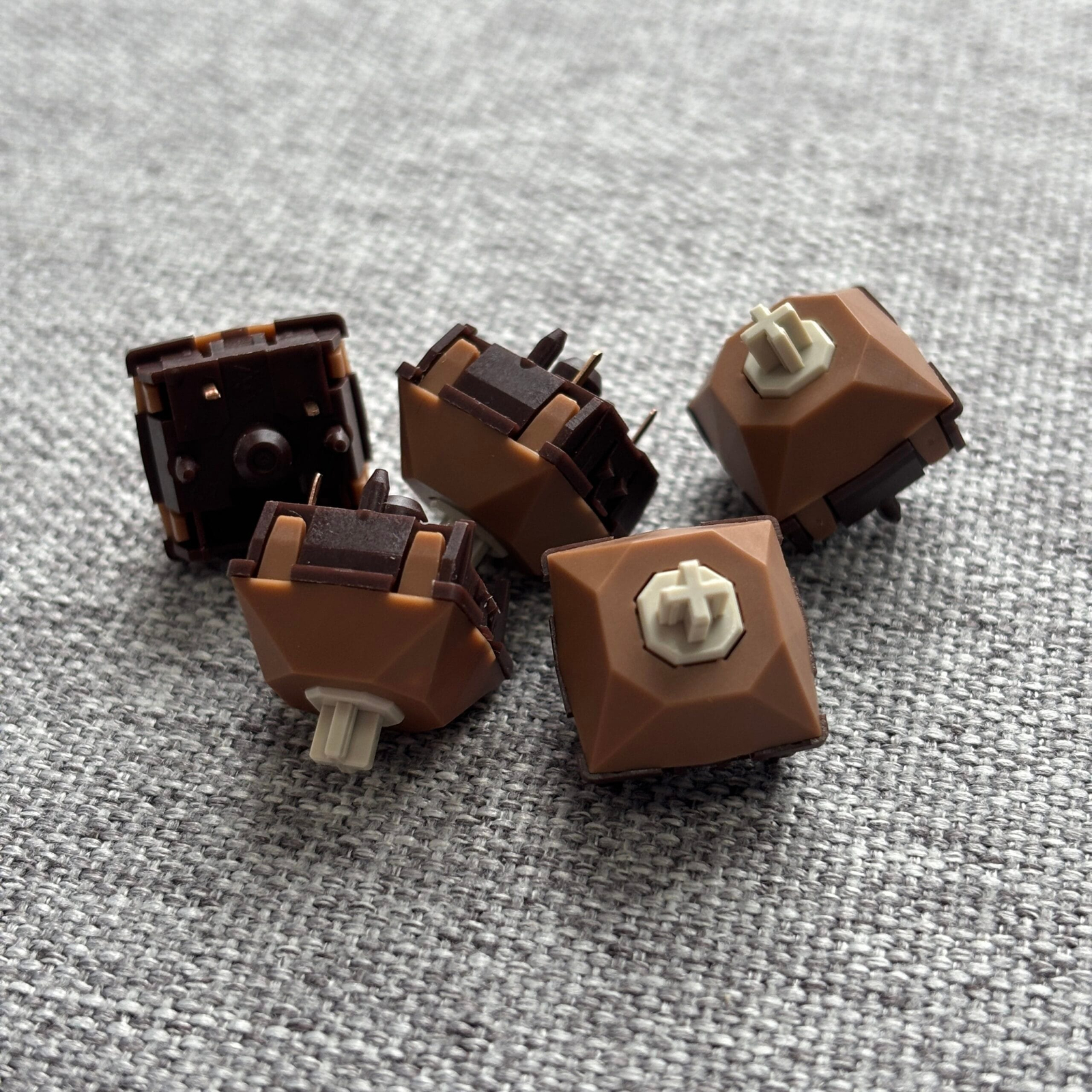
Everything people get excited about comes from that. You can set your own actuation point, usually anywhere between roughly 0.1 mm and 3.5 mm. And the board can respond to the direction a key is moving, not only to where it currently sits.
You’ll also read that these switches last forever because nothing physically touches inside them. While that’s true, it’s also completely irrelevant. Ordinary switches are rated for 50 to 100 million presses and nobody has ever worn one out and gone shopping for a magnetic board because of it.
Rapid trigger, and how much it really helps
On a normal keyboard, the reset point is fixed. You press past the actuation point to register the key, then you have to let it travel back up past a set height before the board accepts another press. Tap a key quickly and you’re moving your finger through that whole window every single time.
Rapid trigger throws the fixed points out. The key registers the moment you push it down by a set distance, say 0.2 mm, and releases the moment you reverse and lift it by that same distance. It doesn’t matter where in the travel you are. Half a millimetre down or two millimetres down, it behaves the same.
In a shooter, your character stops the instant your finger starts coming up rather than when the key crosses a line on the way back. For counter-strafing in CS2 or Valorant, where you tap the opposite direction to stop before you shoot, that’s the entire pitch.
So how much does it win you? Tens of milliseconds per keypress. That’s a real number and at a high level it shows up. It’s also not what’s costing you rounds if your crosshair placement is the problem. Expect your movement to feel noticeably sharper within a day. Don’t expect it to rank you up, and be sceptical of anyone who promises it will while selling you a keyboard.
Snap tap is the one that gets you kicked
These two features get mixed up constantly, and the difference matters, because one of them is banned in the game you probably play.
SOCD stands for simultaneous opposing cardinal directions, which is a long name for a simple thing: what your keyboard does when you hold two opposite movement keys at once. Normally the game gets both inputs and you stand still. With SOCD resolution on, the board picks a winner for you, usually the key you pressed last, and drops the other. Razer sells it as Snap Tap, Wooting as Snappy Tappy, ASUS as Speed Tap.
The line developers draw is between hardware that reacts to your finger and hardware that makes a decision on your behalf. Rapid trigger only responds to movement you’re physically making. SOCD automates timing you would otherwise have to do yourself.
- CS2. Banned on Valve official servers since August 2024. Detection kicks you out of the match. Rapid trigger on its own is untouched.
- Tournaments. ESL banned SOCD at LAN events from Pro League Season 20 onward, and BLAST took the same line.
- Valorant. No outright ban on hardware SOCD, but Riot’s rules cover unauthorised hardware that gives an unfair advantage, which is vague enough to leave it in a grey area. Rapid trigger is fine here too.
The practical version: make a profile with SOCD switched off and use it for anything ranked. Keep a second profile with it on if you want it for games that allow it. Every decent board lets you swap between profiles with one key.
Worth noting: this is the part of this article most likely to be out of date. The rules have already moved twice since 2024. Check the current position for your game before you rely on the feature.
Who should actually get one
Worth it if you play competitive shooters several hours a week and your movement is already clean enough that timing is what’s holding you back. Rhythm games too, for the same reason: fast repeated taps on one key.
Probably not if you mostly type, code or work on the board and game on the weekend. You’d be paying for a feature you use a few hours a week, and accepting a typing experience that’s a step behind a well-built mechanical board.
The middle case is one board for work and gaming, which is what most people asking us about this actually want. Set 1.8 to 2.0 mm for typing, something much shallower for games, and switch between them. Just don’t try to write emails at 0.3 mm actuation. You’ll fire off keys by resting your fingers on them.
What you give up
- Switch choice. The magnetic switch market is mostly linear. There are a handful of tactile options against several hundred in the standard mechanical world. If you like a pronounced bump under your finger, you probably won’t find your ideal switch here.
- Sound. Magnetic boards have historically sounded thinner and more hollow than a comparable mechanical build. Manufacturers have done some tweaks and improvements to fix this and the gap has narrowed, but it hasn’t closed.
- Portability. Magnetic switches won’t fit a normal hot-swap PCB at all, and they often aren’t reliably interchangeable between magnetic boards from different brands either.
- Software. Actuation and rapid trigger get set in the manufacturer’s own configurator, and the quality of those varies wildly. QMK and VIA support exists on some boards now, Keychron in particular, but don’t assume it.
Before you buy
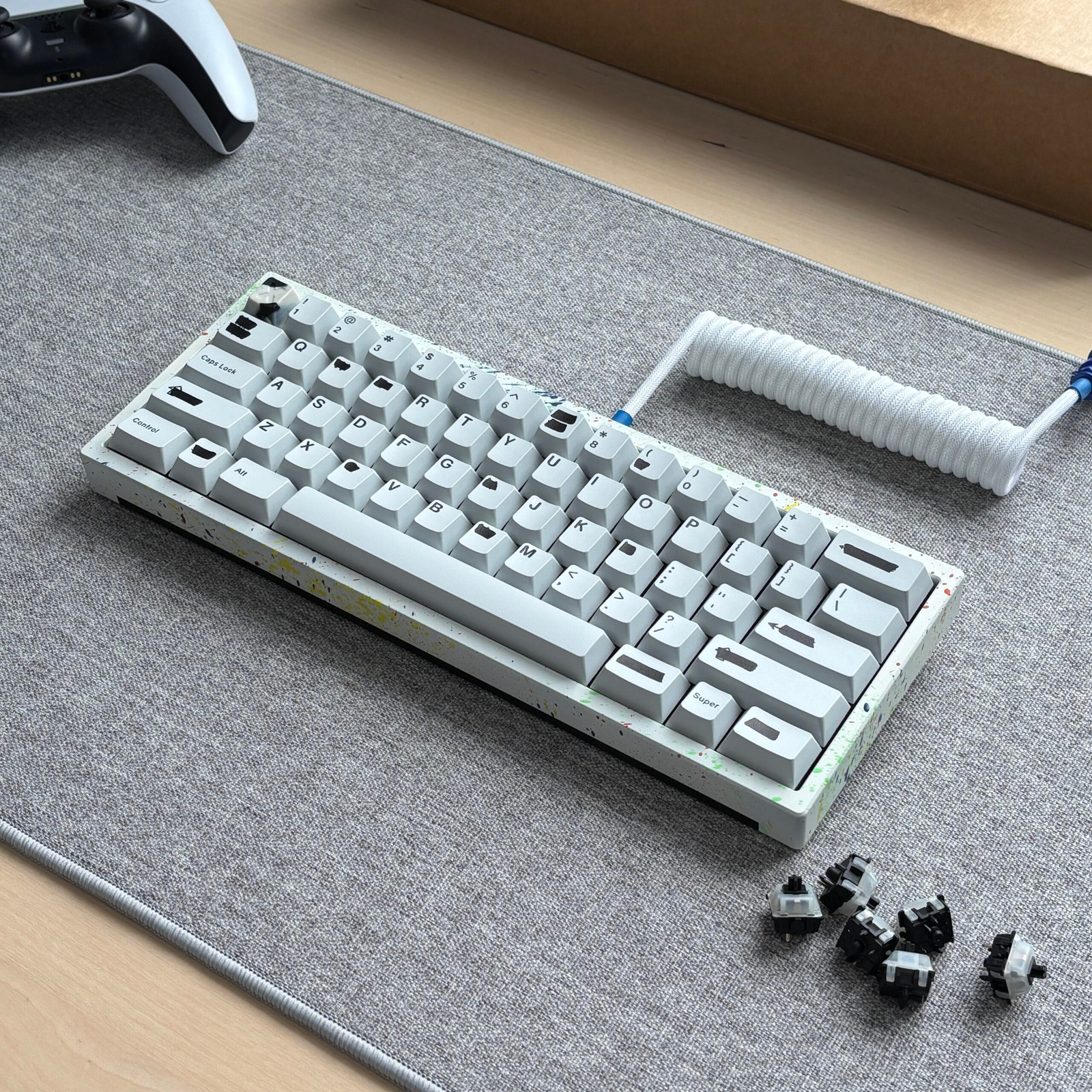
Rapid trigger is one of the few hardware features of the last few years that does what the marketing says. It’s also solving a problem most people playing at home don’t have, and you pay for it in switch variety and typing quality. If you play competitively, that’s an easy trade. If you don’t, put the money into a better case and switches you like the sound of instead.
Not sure which way to go? Tell us what you’re looking for and we’ll help you find your type.